
Updates13:43 GMST
Sep 25, 2026Turn your REST APIs into MCP tools with Google Cloud API Gateway
Most enterprise capability sits behind REST APIs that agents cannot see. To make one callable by an agent today, teams typically stand up and operate a separate MCP server that re-implements the routing, authentication, and quota logic their gateway already handles. The Model Context Protocol (MCP) has become the standard way for agents to discover and invoke tools, and frameworks like the Agent Development Kit (ADK) and Gemini Enterprise speak it natively.
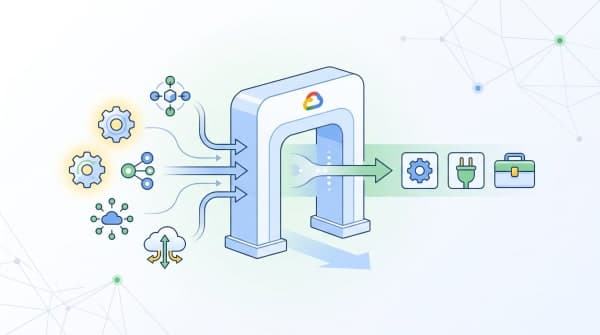
Google Cloud API Gateway now closes that gap. In Public Preview, API Gateway can act as a remote MCP server: annotate the OpenAPI spec you already deploy, deploy it, and your existing REST operations are available as agent-ready MCP tools — with no separate server to build, host, or maintain.
API Gateway is the lightweight on-ramp in Google Cloud's gateway lineup. If you have a service on Cloud Run and you want its API secured, managed, and exposed to agents in minutes, this is the fast path. For a full enterprise API and MCP platform — lifecycle management, advanced traffic policies, monetization — use Apigee. To govern what your agents call on the way out, including MCP servers like this one, use Agent Gateway. Model routing, which gives you one stable endpoint for outbound LLM calls, is the companion capability for the other direction of AI traffic.
How it works
API Gateway accepts standard MCP JSON-RPC requests on a single endpoint, transcodes each tools/call into the corresponding REST request, applies your existing policies, and translates the response back. Because the transcoded request is indistinguishable from a normal REST call, the JWT or API-key authentication, quota, and logging you already configured for that operation keep working unchanged — MCP and REST traffic share exactly one policy path, and a given operation draws on one quota allocation however it is invoked.
Annotate your OpenAPI spec. MCP requires OpenAPI 3.0.x or 3.1.x; OpenAPI 2.0 is not supported, so if your gateway still runs a 2.0 spec, migrate it first. Opt in at the document level with x-google-api-management.mcp, and customize or skip individual operations with x-google-mcp-tool. Each exposed operation needs a backend and a non-empty description.
1 views